Orkes logo image
Product
Platform
Orkes Platform thumbnail
Orkes Platform
Orkes Agentic Workflows
Orkes Conductor Vs Conductor OSS thumbnail
Orkes vs. Conductor OSS
Orkes Cloud
How Orkes Powers Boat Thumbnail
How Orkes Powers BOAT
Try enterprise Orkes Cloud for free
Enjoy a free 14-day trial with all enterprise features
Start for free
Capabilities
Microservices Workflow Orchestration icon
Microservices Workflow Orchestration
Enable faster development cycles, easier maintenance, and improved user experiences.
Realtime API Orchestration icon
Realtime API Orchestration
Enable faster development cycles, easier maintenance, and improved user experiences.
Event Driven Architecture icon
Event Driven Architecture
Create durable workflows that promote modularity, flexibility, and responsiveness.
Human Workflow Orchestration icon
Human Workflow Orchestration
Seamlessly insert humans in the loop of complex workflows.
Process orchestration icon
Process Orchestration
Visualize end-to-end business processes, connect people, processes and systems, and monitor performance to resolve issues in real-time
Use Cases
By Industry
Financial Services icon
Financial Services
Secure and comprehensive workflow orchestration for financial services
Media and Entertainment icon
Media and Entertainment
Enterprise grade workflow orchestration for your media pipelines
Telecommunications icon
Telecommunications
Future proof your workflow management with workflow orchestration
Healthcare icon
Healthcare
Revolutionize and expedite patient care with workflow orchestration for healthcare
Shipping and logistics icon
Shipping and Logistics
Reinforce your inventory management with durable execution and long running workflows
Software icon
Software
Lorem ipsum dolor sit amet, consectetur adipiscing elit. Aenean leo mauris, laoreet interdum sodales a, mollis nec enim.
Docs
Developers
Learn
Blog
Explore our blog for insights into the latest trends in workflow orchestration, real-world use cases, and updates on how our solutions are transforming industries.
Read blogs
Check out our latest blog:
Conductor CLI Guide: Register, Run, Retry, and Recover Durable Workflows Without Leaving Your Terminal 💻
Customers
Discover how leading companies are using Orkes to accelerate development, streamline operations, and achieve remarkable results.
Read case studies
Our latest case study:
Twilio Case Study Thumbnail
Orkes Academy New!
Master workflow orchestration with hands-on labs, structured learning paths, and certification. Build production-ready workflows from fundamentals to Agentic AI.
Explore courses
Featured course:
Orkes Academy Thumbnail
Events icon
Events
Videos icons
Videos
In the news icon
In the News
Whitepapers icon
Whitepapers
About us icon
About Us
Pricing
Get a demo
Signup
Slack FaviconDiscourse Logo icon
Get a demo
Signup
Slack FaviconDiscourse Logo icon
Orkes logo image

Company

Platform
Careers
HIRING!
Partners
About Us
Legal Hub
Security

Product

Cloud
Platform
Support

Community

Docs
Blogs
Events

Use Cases

Microservices Workflow Orchestration
Realtime API Orchestration
Event Driven Architecture
Agentic Workflows
Human Workflow Orchestration
Process Orchestration

Compare

Orkes vs Camunda
Orkes vs BPMN
Orkes vs LangChain
Orkes vs Temporal
Twitter or X Socials linkLinkedIn Socials linkYouTube Socials linkSlack Socials linkGithub Socials linkFacebook iconInstagram iconTik Tok icon
© 2026 Orkes. All Rights Reserved.
Back to Blogs

Table of Contents

Share on:Share on LinkedInShare on FacebookShare on Twitter
Worker Code Illustration

Get Started for Free with Dev Edition

Signup
Back to Blogs
AGENTIC ENGINEERING

Connecting Next.js Applications to Orkes Conductor Using the JS SDK

Maria Shimkovska
Maria Shimkovska
Content Engineer
Last updated: September 10, 2025
September 10, 2025
5 min read

Related Blogs

Build an AI-Powered Loan Risk Assessment Workflow (with Sub-Workflows + Human Review)

Dec 4, 2025

Build an AI-Powered Loan Risk Assessment Workflow (with Sub-Workflows + Human Review)

Enterprise Uptime Guardrails: Build a Website Health Checker Workflow (HTTP Checks + Inline Logic + SMS Alerts)

Dec 2, 2025

Enterprise Uptime Guardrails: Build a Website Health Checker Workflow (HTTP Checks + Inline Logic + SMS Alerts)

Vector Databases 101: A Simple Guide for Building AI Apps with Conductor

Nov 26, 2025

Vector Databases 101: A Simple Guide for Building AI Apps with Conductor

Ready to Build Something Amazing?

Join thousands of developers building the future with Orkes.

Start for free

A quick and easy guide to connecting your NextJS app to your Orkes Conductor workflow. With code examples, as always. :-)
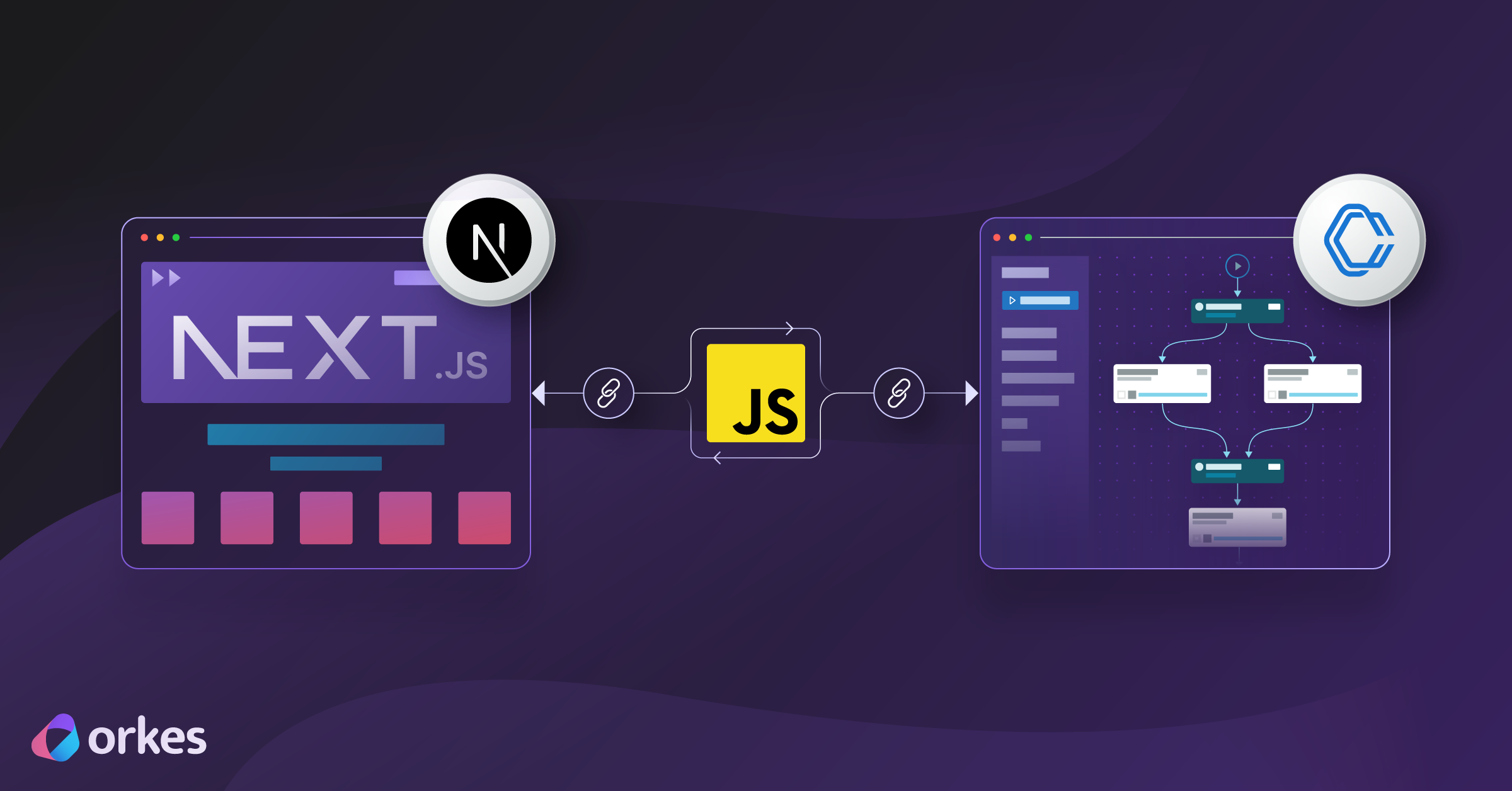

Article cover illustration showing a NextJs application connecting to Orkes Conductor via a JS SDK

Orkes Conductor is a tool for automating and managing workflows, helping your apps and services work together seamlessly.

It provides several SDKs that make integration quick and painless.

In this guide, I’ll show you how to connect a Next.js application to a workflow you’ve built in Orkes Conductor. We’ll use the JavaScript SDK, which makes it easy to start workflows, pass input data, and manage executions directly from your Next.js app.

What You’ll Need

Before we dive in, let’s set some assumptions:

  • You already have a workflow built and deployed in Orkes Conductor.
  • You have a Next.js app ready (could be a fresh project or an existing one).
  • You want to trigger workflows from your app — for example, when a user clicks a button or when an event fires.

You only need two steps to get started:

  1. Configure your .env file with your Orkes Conductor credentials.
  2. Initialize the Orkes Conductor JS client in your Next.js backend route.

Feel free to copy and paste (with personal values changed of course) these and go from there. Once you start your workflow, you will feel the dopamine hit from getting started.

Step 1: Configure Your .env File

First, add your Orkes credentials and server URL to your environment variables.

bash
CONDUCTOR_URL=https://developer.orkescloud.com/api   # For the Developer Edition
ORKES_KEY_ID=<ORKES_KEY_ID from Access Control > Applications>
ORKES_KEY_SECRET=<ORKES_KEY_SECRET from Access Control > Applications>

This makes sure your credentials are safe and not hardcoded in your source code.

Step 2: Initialize the Orkes Conductor JS Client

Next, create a route handler in your Next.js app (e.g., inside app/api/start-workflow/route.ts). This handler will accept requests from your frontend, use the Orkes SDK, and start workflows.

Here’s an example:

javascript
import { NextResponse } from "next/server";

// Dynamic import so any import-time errors are caught by the try/catch
const { orkesConductorClient } = await import("@io-orkes/conductor-javascript");

export const runtime = "nodejs";           // ensure Node runtime
export const dynamic = "force-dynamic";    // avoid any static optimization

export async function POST(req: Request) {
  try {
    const { name, version, input, correlationId } = await req.json();

    if (!name) {
      return NextResponse.json({ error: 'Missing workflow "name"' }, { status: 400 });
    }

    const keyId = process.env.ORKES_KEY_ID;
    const keySecret = process.env.ORKES_KEY_SECRET;

    if (!keyId || !keySecret) {
      // Don’t let the SDK crash on undefined creds
      return NextResponse.json(
        { error: "Missing ORKES_KEY_ID / ORKES_KEY_SECRET env vars" },
        { status: 500 }
      );
    }

    const client = await orkesConductorClient({
      serverUrl: `https://developer.orkescloud.com/api`,
      keyId,
      keySecret,
    });

    const workflowId = await client.workflowResource.startWorkflow({
      name,
      version,
      input: input ?? {},
      correlationId,
    });

    return NextResponse.json({ workflowId }, { status: 200 });
  } catch (e: any) {
    // This will run for BOTH SDK/runtime errors and your own throws
    console.error("workflow error:", e);
    return NextResponse.json({ error: e?.message ?? String(e) }, { status: 500 });
  }
}

With this, your frontend can simply call your /api/start-workflow endpoint, and your workflow will be triggered in Orkes Conductor.

Example: Triggering From the Frontend

For instance, inside your React component:

javascript
async function handleClick() {
  const res = await fetch("/api/start-workflow", {
    method: "POST",
    body: JSON.stringify({
      name: "my_workflow",
      version: 1,
      input: { userId: 42 },
    }),
  });

  const data = await res.json();
  console.log("Workflow started with ID:", data.workflowId);
}

Now you can hook this up to a button, event, or any other trigger in your app.

Where to Go From Here

At this point, you have a working connection between your Next.js app and Orkes Conductor. From here you can:

  • Pass richer input payloads into your workflows.
  • Use correlation IDs to track runs across executions.
  • Explore the full Orkes Conductor SDK and API docs to manage workflow executions, tasks, extract workflow output data, and more.

Once your client is set up, you can orchestrate any workflow logic directly from your application with just a few lines of code.

Happy orchestrating!