- AGENTIC
- ENGINEERING
Introducing the AGENT task: Calling AI Agents from Your Conductor Workflows
 Maria Shimkovska Content Engineer
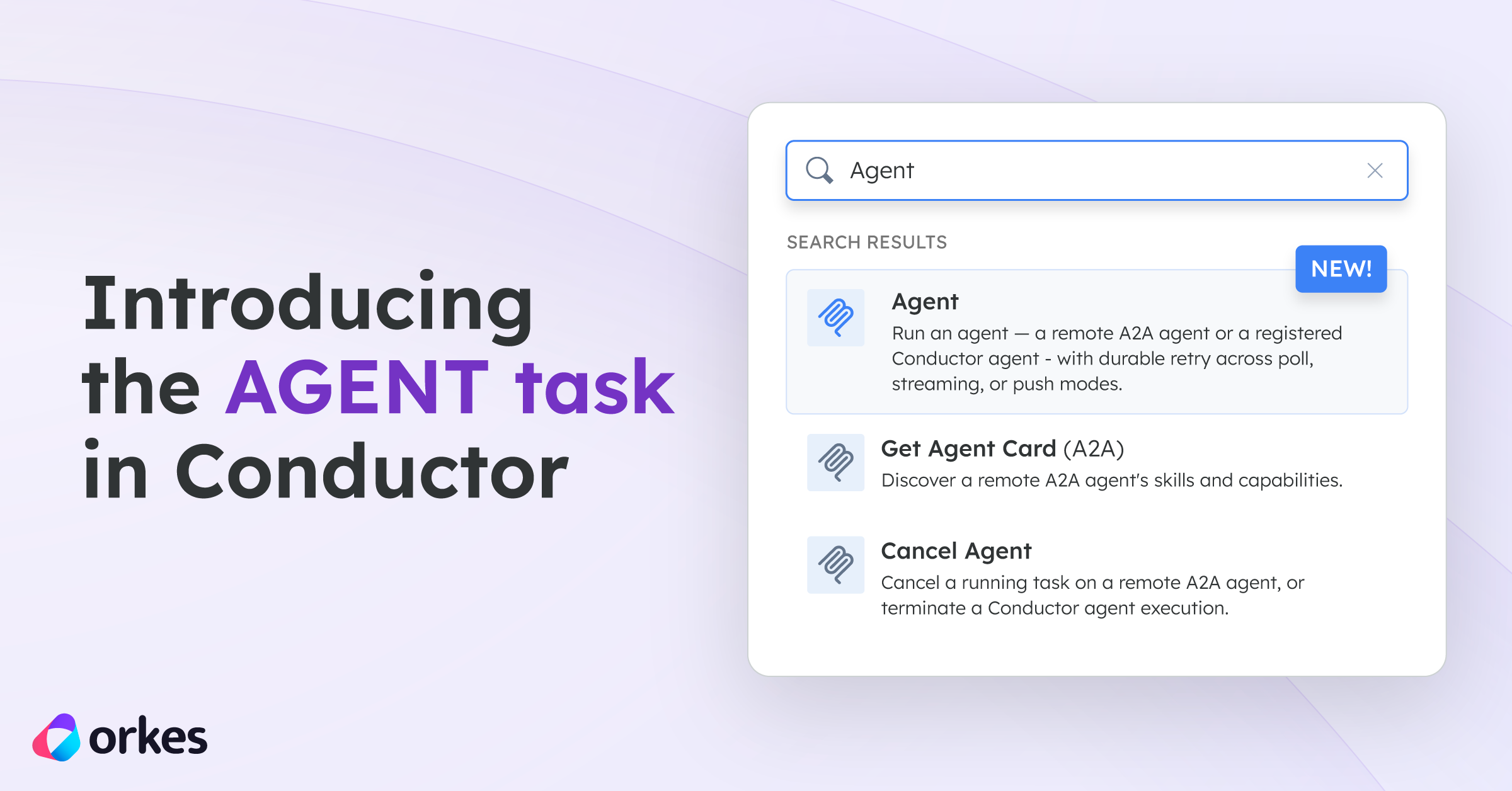
 The AGENT task lets you add any AI agent directly into your Conductor workflows. So let’s get into what this task is, why we built it, and how to use it.
What is the AGENT task in Conductor?
The AGENT task lets you call an AI agent from inside your Conductor workflow. Your agent is running locally or on a server, and this task reaches out to it, sends it a message, waits for it to finish, and hands the result to the next step in your workflow.
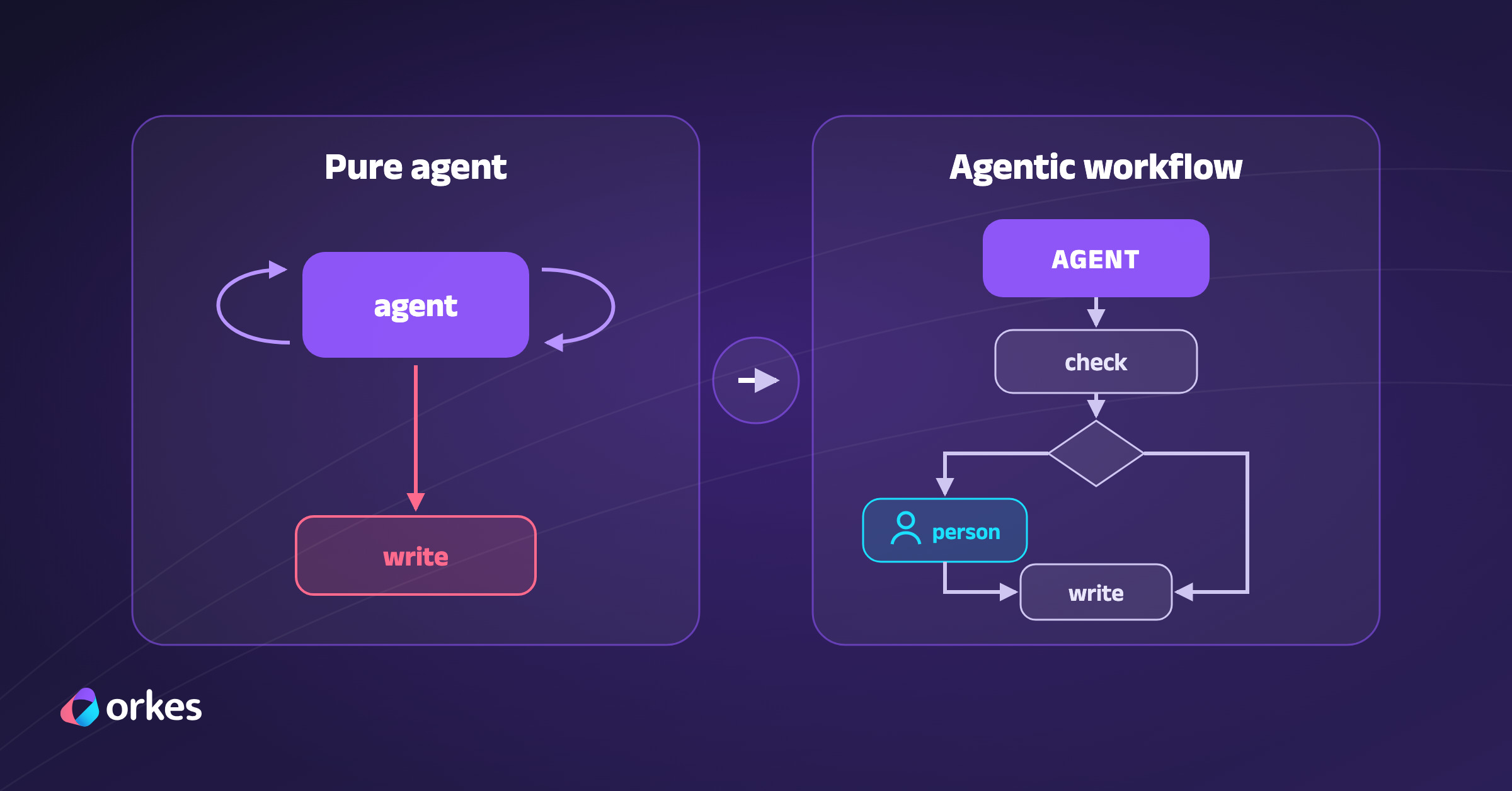
From that point on, your agent is just another step, just like an HTTP call or a HUMAN task for human in the loop. If you’ve ever wanted to plug an AI agent into an existing workflow and actually get retries, durable state, and human approvals around it, you can now do that.
The thing that gets me about this is how little you have to do to add an agent in a workflow with this task. You have an agent, you have a workflow, and now they just work together really well. Your agent gets retries, it survives restarts, you can put a human approval before it or an HTTP call after it or anything else you need to build a system with an asgentic aspect in it.
The problem it solves
We built an agentic runtime on top of Conductor. You can write agents directly with Conductor or bring your own from frameworks like OpenAI Agents, LangGraph, or Google ADK. The AGENT task is how you bring any of them into a workflow. Once you do, everything Conductor already gives you for workflows applies to your agent too: durability, retries, timeouts, observability, and the ability to put it next to other tasks like human approvals, HTTP calls, or parallel branches.
Two kinds of agents it can talk to
There are two options, controlled by a field called agentType.
External agents (agentType: "a2a")
This is the default. Use it to call any agent that speaks the A2A protocol, wherever it is running.
Conductor sends your message to the agent’s URL and waits for the result. It doesn’t matter who built the agent, what language it’s written in, or what framework it uses. As long as the agent speaks the A2A protocol, Conductor can talk to it.
Conductor agents (agentType: "conductor")
Use this when the agent is deployed on Conductor itself. A Conductor agent is one you build and deploy directly on Conductor, either by writing it with one of our SDKs or by bringing an agent from a framework like OpenAI Agents, LangGraph, or Google ADK and running it on our runtime.
What happens when the agent task runs?
The AGENT task runs just like any other Conductor task.
On the first call, the worker (the built-in code Conductor runs to execute this task) sends the message to the agent. If the agent responds immediately with a completed result, the task is done right there. But most agents take time, so if the agent is still working, the worker stores the remote task ID in the task output and returns IN_PROGRESS with a short delay. That tells Conductor to come back and check again after some number of seconds.
When that delay expires, the worker is called again. It reads the remote task ID from the previous output and polls the agent for its current state. If it’s still working it stays IN_PROGRESS. If it’s done, the task completes.
Your first AGENT task
Here is what calling an external A2A agent looks like. You pass the agent’s endpoint URL and a message, and Conductor handles the rest:
{ "name": "call_my_agent", "taskReferenceName": "agent", "type": "AGENT", "inputParameters": { "agentUrl": "https://my-agent.example.com", "text": "Summarize this document: ${workflow.input.document}" }}The agentUrl field accepts either the agent’s direct JSON-RPC endpoint or a URL pointing to its agent card JSON. If you pass the card URL, Conductor fetches it, reads the endpoint from it, and calls that. Either way you end up calling the same place.
Here is a real one you can call right now. Rovo is Atlassian’s AI agent that works across Jira and Confluence. It runs on A2A and you can call it directly from a workflow.
Using the agent card URL, Conductor discovers the endpoint automatically:
{ "name": "rovo_agent", "taskReferenceName": "agent", "type": "AGENT", "inputParameters": { "agentUrl": "https://a2a.atlassian.com/.well-known/agent.json", "text": "Summarize all open Jira issues assigned to me, ordered by priority", "headers": { "Authorization": "Bearer YOUR_TOKEN" } }}Or if you already know the endpoint, you can call it directly:
{ "name": "rovo_agent", "taskReferenceName": "agent", "type": "AGENT", "inputParameters": { "agentUrl": "https://a2a.atlassian.com/v1/rovo", "text": "Summarize all open Jira issues assigned to me, ordered by priority", "headers": { "Authorization": "Bearer YOUR_TOKEN" } }}Rovo requires an Atlassian OAuth2 token passed as a Bearer header. Conductor passes it through to the agent on every request. Rovo also supports streaming, so if you want the response to come back incrementally instead of all at once, you can add "streaming": true to the input:
{ "name": "rovo_agent", "taskReferenceName": "agent", "type": "AGENT", "inputParameters": { "agentUrl": "https://a2a.atlassian.com/v1/rovo", "text": "Summarize all open Jira issues assigned to me, ordered by priority", "headers": { "Authorization": "Bearer YOUR_TOKEN" }, "streaming": true }}Calling a Conductor agent
Once your agent is deployed, you call it from a workflow using agentType: “conductor” and the name you gave it when you deployed it:
{ "name": "call_my_conductor_agent", "taskReferenceName": "agent", "type": "AGENT", "inputParameters": { "agentType": "conductor", "name": "my-agent", "prompt": "Summarize this document: ${workflow.input.document}", "pollIntervalSeconds": 5 }}name is the name you gave the agent when you deployed it. prompt is the message you are sending it.
The output is the same shape as the a2a case. You get state, text, and executionId. The executionId is what makes the conductor mode different from a2a. It’s the id of the child workflow that Conductor created to run your agent, and you can use it to resume the agent if it stops to wait for input.
What comes back
When the task finishes, the output includes:
{ "state": "completed", "text": "Here is a summary of your open Jira issues...", "taskId": "task-7f3a", "contextId": "ctx-7f3a", "artifacts": []}text is the agent’s plain response and the field you will use most often. state tells you how it ended. It can be completed, failed, canceled, or input-required. The last one means the agent paused and needs more information before it can continue. taskId and contextId are what you pass back if you want to continue the conversation in a later step.
For Conductor agents the output also includes executionId, which is the id of the child workflow Conductor created to run your agent.
You reference any of these in the next task the same way you would with any other task output. For example: ${agent.output.text}.
Multi-turn conversations
Not every agent gives you the answer in one shot. When an agent reaches input-required, it sends back a question along with the IDs you need to continue. For A2A agents, you pass back contextId and taskId:
{ "name": "continue_conversation", "taskReferenceName": "resume", "type": "AGENT", "inputParameters": { "agentUrl": "https://a2a.atlassian.com/v1/rovo", "text": "${human_review.output.answer}", "contextId": "${agent.output.contextId}", "taskId": "${agent.output.taskId}", "headers": { "Authorization": "Bearer YOUR_TOKEN" } }}For Conductor agents, you pass back executionId instead:
{ "name": "resume_agent", "taskReferenceName": "resume", "type": "AGENT", "inputParameters": { "agentType": "conductor", "executionId": "${agent.output.executionId}", "prompt": "${human_review.output.answer}" }}The agent resumes exactly where it left off with its full context intact. A SWITCH task on ${agent.output.state} is how you can branch in your workflow: the route completed can continue the workflow and input-required would loop back to collect more input.
Setting a deadline
Agents could take a long time to respond depending on what task they’re assigned. Before you go to production, it is worth setting limits on how long the Conductor AGENT task will wait.
maxDurationSecondssets an absolute deadline for the agent to finish. If the agent is still running when that deadline passes, the task fails and Conductor cancels the agent. The default is 86400 seconds, which is 24 hours.maxPollFailuressets how many times in a row Conductor can fail to reach the agent before giving up. This protects you from polling an agent that has gone offline indefinitely. The default is 30.
Both fields make sure that your workflow has the proper guardrails in place in case a failure happens so you can use agents in your workflows in a safer way with more peace of mind that if something wrong happens the workflow will handle it.
{ "agentUrl": "https://a2a.atlassian.com/v1/rovo", "text": "Summarize my open Jira issues", "maxDurationSeconds": 300, "maxPollFailures": 5}When either limit is hit, the task fails cleanly and your workflow handles it through its normal error handling instead of waiting forever.