- PRODUCT
Enhancing Conductor With Clojure
What is Conductor
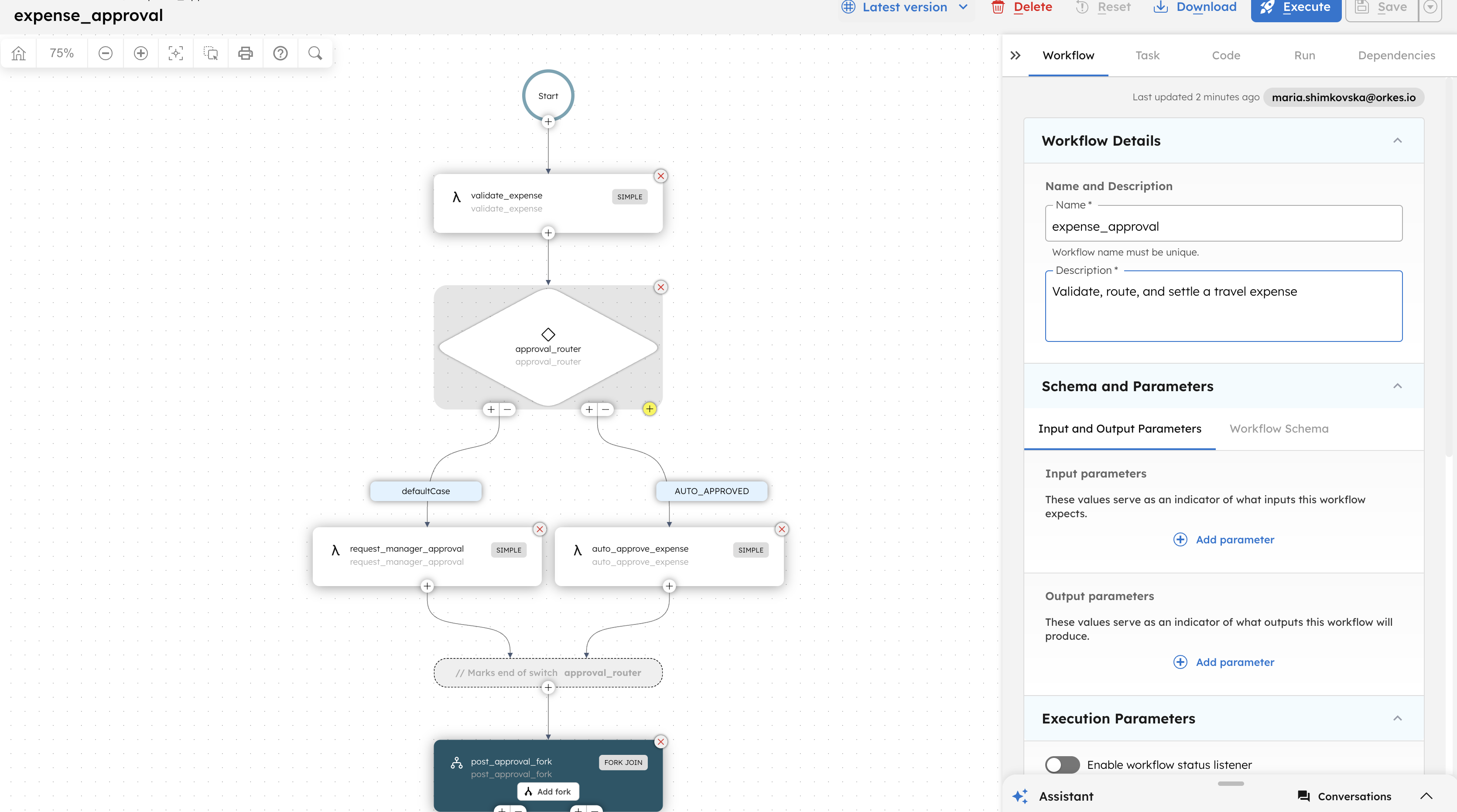
Conductor is a workflow orchestration engine that connects all of your microservices together to create fully functional workflows that can run at scale. Each workflow is comprised of tasks. Tasks can be System Tasks, these are provided by Conductor, or Custom Tasks which are called Workers. These workers can be written in any language - from Conductor’s point of view - data goes in, and results come out - the language that processes the data is irrelevant.
Workflows are defined in JSON and Tasks are defined in JSON. Workflows can be composed of other workflows. The way I see it everything is just data.
Clojure is a functional programming language that runs on the JVM, with really interesting features, that match really well with the way I understand Conductor. Workflows and tasks are “just data” and Clojure programs are “just data”
In the POST I want to show you how you can create tasks, workflows and run Clojure workers, with just data.
Getting started
For this example you’ll need a conductor instance, you can go ahead and clone https://github.com/Netflix/conductor cd into the docker folder and build with docker-compose
cd dockerdocker-compose builddocker-compose upIf that went well you should have a conductor instance running in port 8080. There is also a UI running on port 5000. http://localhost:5000
NOT creating a project
When I started writing this blog post, I thought I’ll go through creating a project and adding the dependencies etc. Basically what you usually do in [insert language here]. But lets do something better, lets do nothing
Assuming you have clojure-tools lets use Alex Miller plugin and do everything on the repl, for references on the plugin visit this link [https://insideclojure.org/2018/05/04/add-lib/]
So lets start a repl with the following arguments.
clj -Sdeps "{:deps {org.clojure/tools.deps.alpha {:git/url \"https://github.com/clojure/tools.deps.alpha.git\" :sha \"83a477b305839c697666401508c395cfed29506a\"}}}"That will download dependencies etc, once that is done just copy/paste (use 'clojure.tools.deps.alpha.repl)
After that we have the ability to require dependencies of our own. So lets first add the clojure sdk library by typing (or copy and pasting) this:
(add-libs {'io.orkes/conductor-clojure {:mvn/version "orkes-0.1.3"}})
Creating tasks and workflows
In order to create tasks and workflows we’ll need to use the conductor.metadata namespace. This namespace holds the functions for creating tasks and workflows in conductor.
(require '[conductor.metadata :as metadata])
After requiring the namespace lets define an options map for our options since we are using netflix-conductor we don’t need authentication so we’ll just specify the Url
(def options { :url "http://localhost:8080/api/" } )With that defined we can start creating tasks and workflows lets create our first task.
(metadata/register-tasks options [{:name "simplest_task" :description "This task will be able to run Clj" :owner-email "mail@gmail.com" :retry-count 3 :timeout-seconds 300 :response-timeout-seconds 180}, ])If when evaluating the above nil was returned to the terminal, then we are on the right track and we’ve just created our first task in conductor. Lets create a workflow that uses the above task:
(metadata/register-workflow-def options {:name "simple_wf" :description "created programmatically from clj" :version 1 :tasks [{:name "simplest_task" :task-reference-name "repl_task_ref" :input-parameters {"firstNumber" "${workflow.input.firstNumber}" "secondNumber" "${workflow.input.secondNumber}"} :type :simple}] :input-parameters ["firstNumber" "secondNumber"] :output-parameters {"result" "${repl_task_ref.output.result}"} :schema-version 2 :restartable true :owner-email "mail@yahoo.com" :timeout-seconds 0 :timeout-policy :alert-only})Ok so we created a workflow that uses a task of type simple (which means its a task we’ll have to write a worker for) that take two parameters. and returns a result.
Writing a worker and polling for tasks
To be able to write a worker we need to bring in the client namespace:
(require '[conductor.client :as conductor])
The client namespace allows us to start a workflow and run workers, Lets create a worker and run a Runner instance to poll for work:
(def instance (conductor/runner-executor-for-workers (list {:name "simplest_task" :execute (fn [someData] [:completed {"result" (+ (get someData "firstNumber") (get someData "secondNumber"))}])}) options))Note: we are using a def thats because the above function returns a TaskRunnerConfigurer instance which we can start/shutdown. After evaluating the above
our newly created worker will start polling for associated with the “simplest_task” we defined earlier. This is tru for every workflow that uses our simplest_task.
Starting the Workflow
Lets start the workflow and provide the two input parameters:
(conductor/start-workflow options {:version 1 :input { "firstNumber" 4 "secondNumber" 5} :name "simple_wf"})If that went well that function will return a string with the execution id. if you head over to http://localhost:5000 under executions you should be able to see the result
Conclusion
To conclude I want to point some things out
-
Getting started with conductor is so easy that you don’t even need to create a project.
-
Conductor tasks are just Data, Conductor workflows are just Data, and Clojure is just Data.
Conductor is an enterprise-grade orchestration platform for process automation, API and microservices orchestration, agentic workflows, and more. Check out the full set of features, try it yourself using our Developer Edition sandbox, or get a demo of Orkes Cloud, a fully managed and hosted Conductor service.